Review your plan checks
Plan checks catch things that are easy to miss, so your plan says what you meant it to say.
Updated November 21, 2026
- Step 1:
Open a plan. The Plan checks button shows how many checks there are, and how many need attention.
Sample plan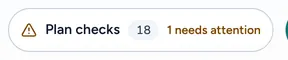
- Step 2:
Press Plan checks. The panel lists Needs attention first, then Things to know.
- Step 3:
Press Go to it beside a check to open the part of the plan it is about.
Sample plan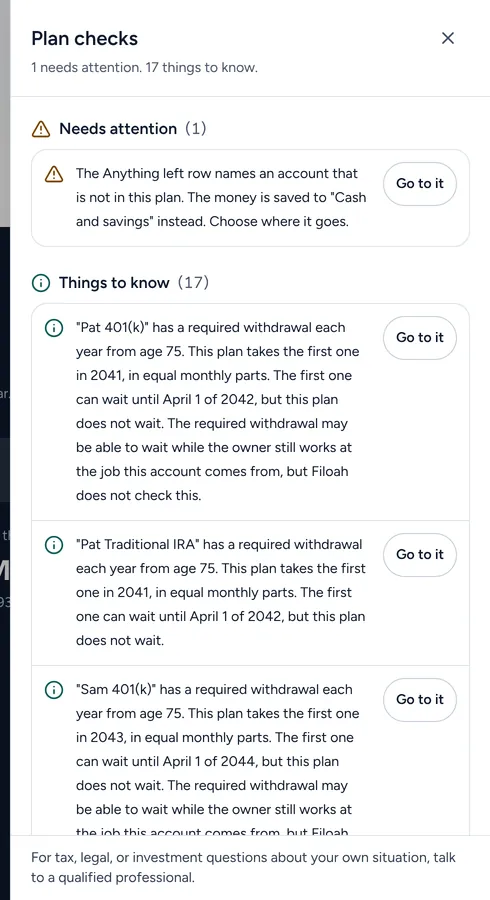
Good to know
- A check that needs attention points at something in the plan that may not do what you expect.
- Things to know explain a rule the plan applies, such as a required withdrawal.
- The Dashboard also lists plan checks under Next steps.
Still stuck? Email support@filoah.com.