Set up your plan step by step
Guided setup is the quickest way to a first plan. It asks a few short questions, one step at a time.
Updated November 21, 2026
- Step 1:
On the Dashboard, press Start guided setup.
- Step 2:
Answer each step: About you, What you have, What you earn, When you stop working and What you spend. Press Save and continue after each one.
- Step 3:
Nothing to add on What you have yet? Press Skip for now. You can add accounts later in Current Finances.
- Step 4:
When your plan is made, the Dashboard shows Next steps. Press a step, such as Review plan checks, to go to it, or press Dismiss to hide it.
Sample plan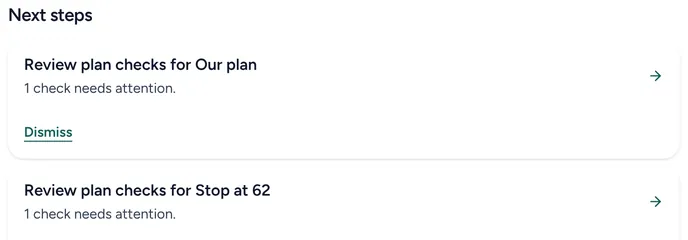
Good to know
- You can change every answer later, in Current Finances or on the plan itself.
- Each step is saved when you press Save and continue.
Still stuck? Email support@filoah.com.