Change the age you stop working
The age you stop working is one of the biggest choices in a plan. Try more than one.
Updated November 21, 2026
- Step 1:
In a new plan, find When do you stop working? and type the age in Stop working at age.
Sample plan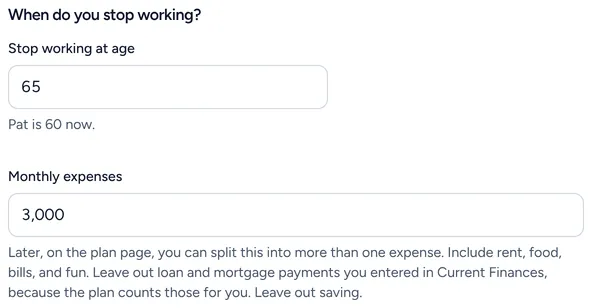
- Step 2:
In a plan you already have, open Edit this plan, then open your pay under Income and change when it ends.
- Step 3:
Look at the top of the plan again. It says how long the money lasts with the new age.

Good to know
- To compare two ages side by side, make a what-if plan for the second age.
- Social Security has its own start age. Changing when work stops does not change it.
Still stuck? Email support@filoah.com.