Make a plan report
A plan report puts one plan on paper, so you can read it away from the screen or share it.
Updated November 21, 2026
- Step 1:
Open a plan. On the top card, under the tools for this plan, press Plan report (PDF).
- Step 2:
Under Sections in this report, tick the sections you want. Pick today's or future dollars at the top.
- Step 3:
Press Print or save as PDF. In the print window, choose Save as PDF to make a file.
Sample plan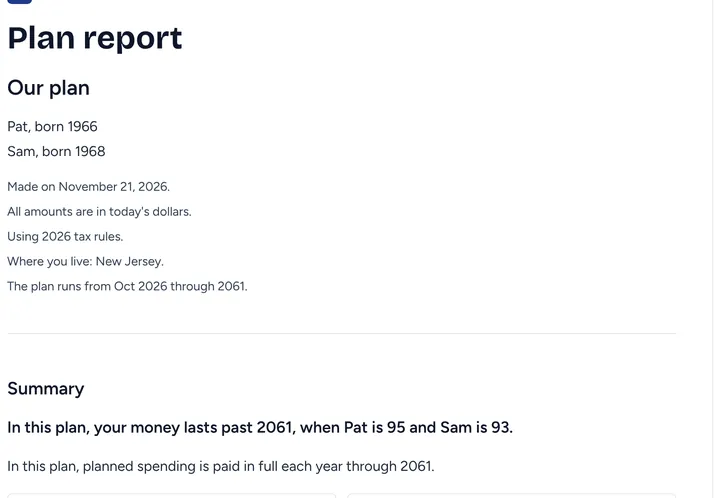
- Step 4:
Check the preview below. It starts with the plan name, who it is for, and a Summary.
Sample plan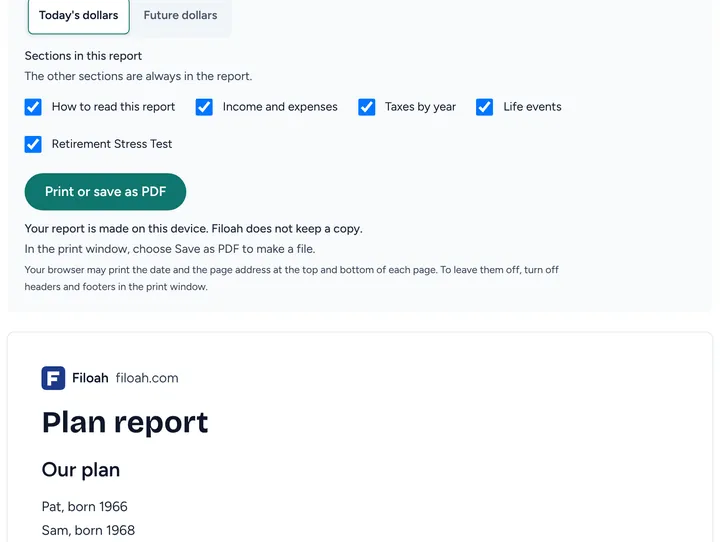


Good to know
- Your report is made on this device. Filoah does not keep a copy.
- The report is part of Plus.
- Read more: The plan report
Still stuck? Email support@filoah.com.