Save a stress test setup as a plan
The choices you try in the stress test are not saved with your plan. Save them as a new plan to keep them.
Updated November 21, 2026
- Step 1:
Run the test with the choices you want to keep.
- Step 2:
With Plus, press Save as a new plan below the result. It makes a new plan with this mix and strategy. Your current plan does not change.
Sample plan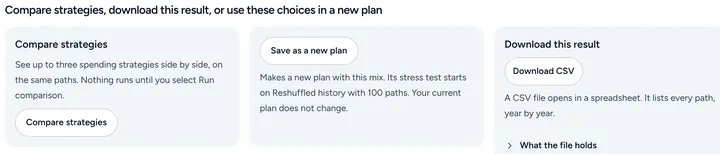
- Step 3:
With Plus, press Compare strategies to see up to three spending strategies side by side on the same paths. Nothing runs until you start the comparison.
- Step 4:
With Plus, press Download CSV to keep the numbers. The file opens in a spreadsheet and lists every path, year by year.
Good to know
- The new plan shows in your Plans list like any other plan.
- Comparing, saving as a new plan and downloading the results are part of Plus.
Still stuck? Email support@filoah.com.