Add a life event
Life events are the times in your life your plan can use, like when you retire or move.
Updated November 21, 2026
- Step 1:
Open a plan. Under Edit this plan, open Life events and press Add life event.
- Step 2:
Pick a kind: On a date, At an age, Move to another state, Get married or another kind in the list.
Sample plan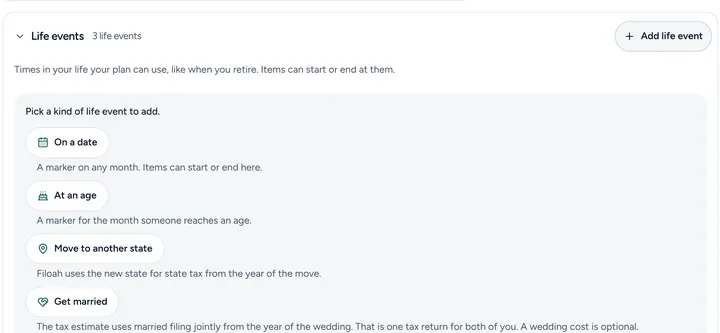
- Step 3:
Fill in when it happens, then press Done.

Good to know
- An income or an expense can start or end at a life event, so moving the event moves them too.
- Get married uses married filing jointly from the year of the wedding.
Still stuck? Email support@filoah.com.